


Mother's Day is not just another trending occasion on social...
Read More
 Afrikaans
 Albanian
 Amharic
 Arabic
 Armenian
 Azerbaijani
 Basque
 Belarusian
 Bengali
 Bosnian
 Bulgarian
 Catalan
 Cebuano
 Chichewa
 Chinese (Simplified)
 Chinese (Traditional)
 Corsican
 Croatian
 Czech
Czech Danish
 Dutch
Dutch English
 Esperanto
 Estonian
 Filipino
 Finnish
 French
 Frisian
 Galician
 Georgian
 German
 Greek
Greek Gujarati
 Haitian Creole
 Hausa
Hausa Hawaiian
 Hebrew
 Hindi
Hindi Hmong
Hmong Hungarian
 Icelandic
 Igbo
Igbo Indonesian
 Irish
Irish Italian
 Japanese
 Javanese
 Kannada
 Kazakh
 Khmer
Khmer Korean
 Kurdish (Kurmanji)
 Kyrgyz
 Lao
Lao Latin
Latin Latvian
 Lithuanian
 Luxembourgish
 Macedonian
 Malagasy
 Malay
Malay Malayalam
 Maltese
 Maori
Maori Marathi
 Mongolian
 Myanmar (Burmese)
 Nepali
 Norwegian
 Pashto
 Persian
 Polish
 Portuguese
 Punjabi
 Romanian
 Russian
 Samoan
 Scottish Gaelic
 Serbian
 Sesotho
 Shona
Shona Sindhi
 Sinhala
 Slovak
 Slovenian
 Somali
 Spanish
 Sudanese
 Swahili
 Swedish
 Tajik
Tajik Tamil
Tamil Telugu
 Thai
Thai Turkish
 Ukrainian
 Urdu
Urdu Uzbek
Uzbek Vietnamese
 Welsh
Welsh Xhosa
Xhosa Yiddish
 Yoruba
 Zulu
Zulu
🚀 Photo Editor for Free Online: Pro AI Photo Editing in Seconds
The photo editor free online: is an advanced online tool designed to help all users fix common image issues. This one-stop shop lets you upload your photos and make basic edits like resizing, quality adjustments, cropping, brightness/contrast tweaks, color changes, and file format changes — all without the need for expensive software or technical know-how.
We want to take a closer look at this ultimate photo editor free online tool in our guide on how you can use our photo enhancer to optimize your image workflow and generate perfectly optimized images for any situation.
We want to take a closer look at this ultimate photo editor free online tool in our guide on how you can use our photo enhancer to optimize your image workflow and generate perfectly optimized images for any situation.
📈 Why Image Optimization is Important in Your Website
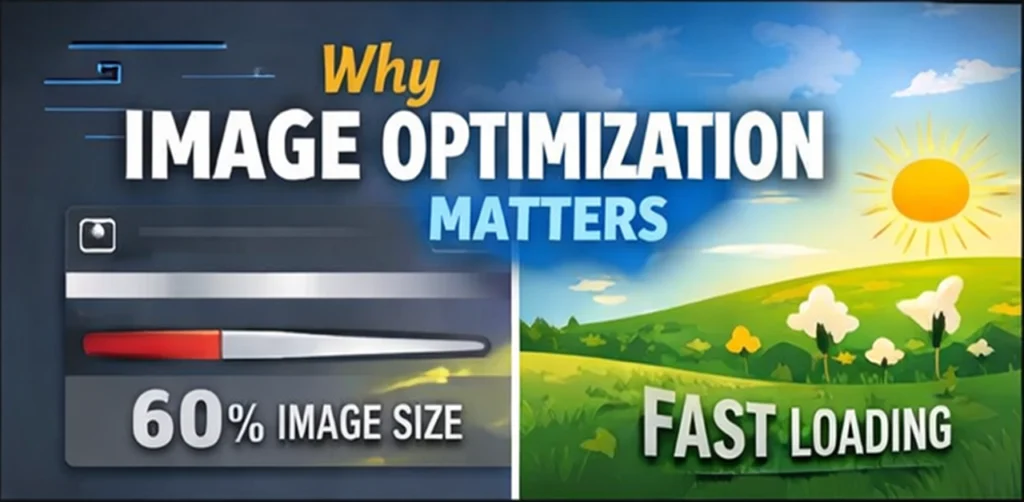
Images make up around 60% of the size of an average webpage, which means they are the largest contributor to how long your website takes to load. Oversized images or those saved in the wrong format cause a bottleneck that slows down your entire site.
Page speed is a ranking factor for search engines such as Google. All of which is to say that it’s not just a matter of annoying your site visitors; poorly optimized images actually are bad for you in search. Mobile users, who now constitute over half of web traffic, are particularly sensitive to slow-loading pages.
Not only that, but correctly sized and formatted images help your content look good across different devices. A photo that is crystal clear on a desktop can look like a bunch of rectangular blobs on mobile if it isn’t optimized properly.
🛠️ Highlighted Features of Image Optimizer and Editor
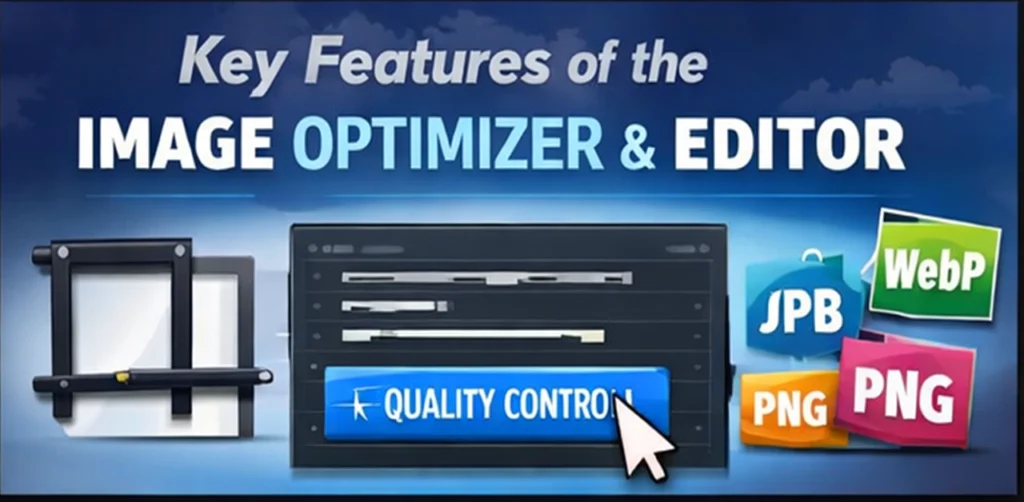
⚖️ Size and Quality Control
The tool allows you to dial in the dimensions of your image and its file size. You can shrink large images to a size suitable for the web without compromising visual quality, or, if you prefer, blow them up when a small image just won’t do. The quality adjustment function helps you to create smaller files with better image clarity.
🎨 Advanced Editing Capabilities
As well as basic resize options, the editor also features pro-quality tools for tweaking your shots:
✂️ Cropping Tools: Crop your image to remove unwanted parts or change the aspect ratio in order to fit certain dimensions, such as for Instagram, social media posts, website headers, etc.
💡 Light & Contrast: Balance out the lighting in your shot and make your photo pop. These are controls for repairing photos made under poor lighting.
🔍 Sharpening: Improve image focus and detail, great for product photography or portraits.
🎨 Color Adjustments: Adjust colors, saturations, and hues to coordinate with your brand or simply to create moods across different types of images.
🔄 Format Conversion
The program can convert between all popular image formats:
JPG: Best for photographs and complex images with many colors
PNG: Suitable for graphics with transparent backgrounds and/or lossless quality photos
WebP: Google’s newer format that gives great compression with the same quality.
BMP : Uncompressed mode for best quality applications
Each of these fits different needs, and switching between them is trivial in the tool.
📖 How to Use free online photo quality enhancer
The tool is easy to use and runs directly in the browser; no downloads or installations are required.
🚀 Getting Started
Open the Image Optimizer & Editor site and use the upload file button or drag-n-drop to add your image. The tool supports the most popular image formats and file sizes, too.
✏️ Making Your Edits
When your image uploads, you’ll get a sidebar with all of the available editing functions. Begin with some easy tweaks, such as resizing if you need a different size. – Set the quality slide value to get more compression of file size when previewing image results.
Regarding visual editing, play with the brightness, contrast, and sharpening tools. These adjustments are made as you make them, so you can see what effect they will have on your image. You can use the cropping tool to indicate exactly where to keep in your image (great for thumbnails or to obfuscate distracting elements).
💾 Saving and Downloading
Select the output format you want from the options after editing your content. Hit “Compress,” and the tool now works its magic, finishing with a download link for your new tiny image. You can contrast both the original and edited photos to see how much you’ve improved.
🏆 Best Practices for Optimized Images
🖼️ Choose the Right Format
For flat-color graduations in photographs and graphics, use the JPG format. PNG has the best support for those and is a (good enough) container format with transparency. WebP compresses better than anything else for modern websites, but not all browsers support it yet. BMP is for when you need publishing or the best quality, and not just for the JPEG itself.
🌐 Optimize for Your Platform
Different platforms have different requirements. Images are often compressed more on social media sites, so it pays to start with a better quality image. Crisp product photos that load fast on mobile devices are crucial for e-commerce sites. Blog posts need images that are large enough to be engaging but small enough not to slow page load times.
⚖️ Balance Quality vs File Size
Keep aiming for a lower file size with acceptable quality. This would normally involve exploring the quality settings. For the web, most images don’t need to be larger than 1920 pixels wide — and lots can be a lot smaller, depending on how they’ll get used.
👥 Consider Your Audience
The Internet for mobile users is frequently slower, so it’s even more important to keep file sizes small. On high-res screens, though, they will see if your images are too compressed or tiny. The Image Optimizer and Editor’s preview feature lets you find that middle ground for your followers.
🔄 Maintain Consistency
Establish Your Photograph as a Standard. This could be something like consistent header sizes across all blog posts, or the same brightness and contrast adjustments across all your product images. Repetition will make your website (or social media) look pro.
💡 Pro Tips For The Best Results
🔍 Use Sharpening Strategically
Sharpen after resizing. It softens the details. Just one thing: don’t over-sharpen your image so it looks realistic and doesn’t show visible artifacts.
🧪 Test Different Formats
One format is not always best. You can try a variety of formats and adjust the level of compression to achieve the optimal quality-to-file-size ratio that suits your needs.
📂 Batch Processing Strategy
If you’re working with a group of similar images, write down or remember the settings that seem to work, and apply them to the others. This is a time-saver and helps maintain consistency throughout your image library.
✨ Maximize Your Image Impact
By using the Image Optimizer and Editor, image optimization is reduced from a complex process that, rumor has it, includes more than 200 parameters to just a few mouse clicks. And while offering powerful optimization capabilities, it does what no other software can do: combine the features of popular editing and text tools.
Whether you’re a blogger trying to reduce your website’s load time, a small business promoting your products on the cellular web, or a social media manager reaching out with useful and appealing content, no tool is more handy for quickly optimizing professional, fast-loading images in every size for all devices.
Begin optimizing your images now and see what a difference an appropriately sized, well-formatted, and enhanced image can make for your online presence. Your visitors — and your search rankings — will thank you for the quicker, more professional experience.
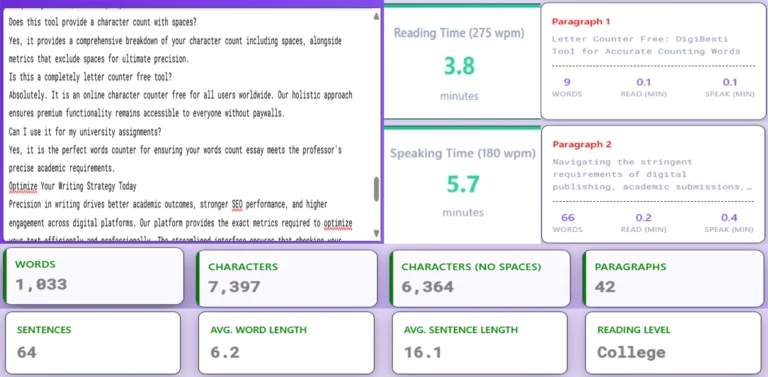
Letter Counter Free – DigiBesti Tool for Accurate Counting Characters.
The DigiBesti letter counter free is their solution. We have...
Read More
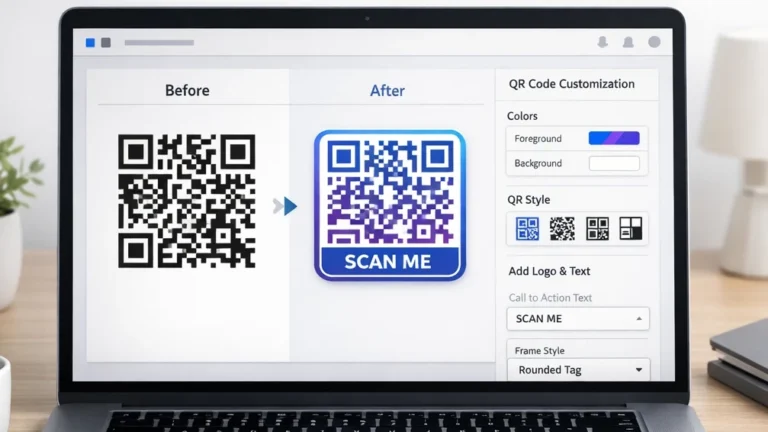
customize qr codes is with Unique Features.
How to customize a QR code, add frames, colors, text,...
Read More
Online QR Code Generator: Free, Secure & Instant with Logo
QR codes are everywhere – from restaurant menus and business...
Read More×