

Mother's Day is not just another trending occasion on social...
Read More
 Afrikaans
 Albanian
 Amharic
 Arabic
 Armenian
 Azerbaijani
 Basque
 Belarusian
 Bengali
 Bosnian
 Bulgarian
 Catalan
 Cebuano
 Chichewa
 Chinese (Simplified)
 Chinese (Traditional)
 Corsican
 Croatian
 Czech
Czech Danish
 Dutch
Dutch English
 Esperanto
 Estonian
 Filipino
 Finnish
 French
 Frisian
 Galician
 Georgian
 German
 Greek
Greek Gujarati
 Haitian Creole
 Hausa
Hausa Hawaiian
 Hebrew
 Hindi
Hindi Hmong
Hmong Hungarian
 Icelandic
 Igbo
Igbo Indonesian
 Irish
Irish Italian
 Japanese
 Javanese
 Kannada
 Kazakh
 Khmer
Khmer Korean
 Kurdish (Kurmanji)
 Kyrgyz
 Lao
Lao Latin
Latin Latvian
 Lithuanian
 Luxembourgish
 Macedonian
 Malagasy
 Malay
Malay Malayalam
 Maltese
 Maori
Maori Marathi
 Mongolian
 Myanmar (Burmese)
 Nepali
 Norwegian
 Pashto
 Persian
 Polish
 Portuguese
 Punjabi
 Romanian
 Russian
 Samoan
 Scottish Gaelic
 Serbian
 Sesotho
 Shona
Shona Sindhi
 Sinhala
 Slovak
 Slovenian
 Somali
 Spanish
 Sudanese
 Swahili
 Swedish
 Tajik
Tajik Tamil
Tamil Telugu
 Thai
Thai Turkish
 Ukrainian
 Urdu
Urdu Uzbek
Uzbek Vietnamese
 Welsh
Welsh Xhosa
Xhosa Yiddish
 Yoruba
 Zulu
Zulu
Image to Text Converter: Best Free OCR Online Tools Reviewed with DigiBesti
Have you ever found yourself staring at a screenshot or a scanned document, wishing you could just copy the text with our smart image to text converter tool instead of retyping everything manually? Whether you are a student transcribing lecture notes or a professional digitizing receipts, manual typing is a waste of time.
This is where Optical Character Recognition (OCR) technology comes in.
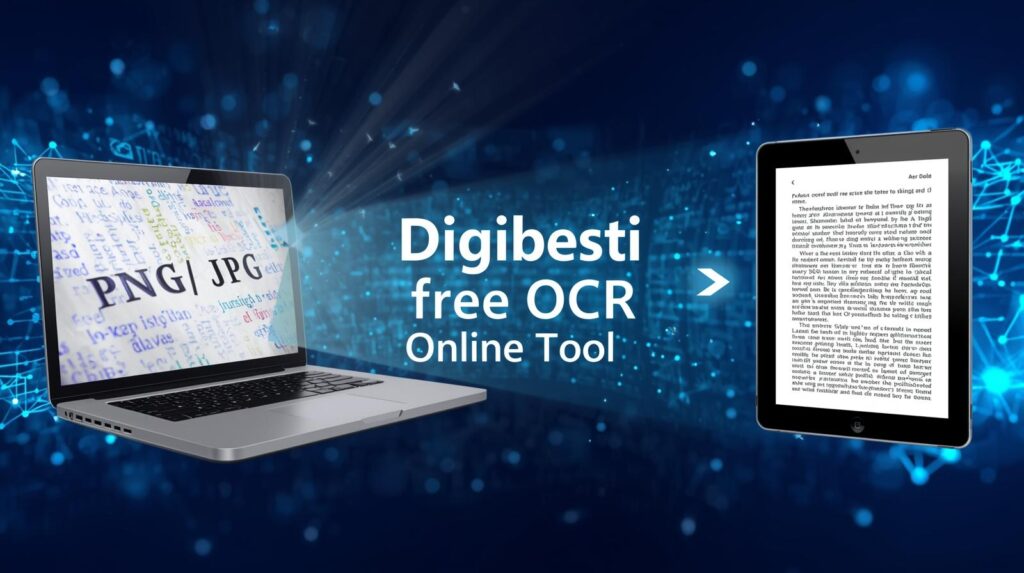
Today, we’re diving into the DigiBesti image-to-text converter, a lightning-fast, secure, and completely free solution to turn your images into editable text in seconds.
What is OCR and Why Do You Need It?
OCR (Optical Character Recognition) is a technology that reads text in an image and converts it into machine-readable text.[3][5][6][7] A free OCR Online Tool instantly processes scanned documents, saving you hours of manual typing.
Students can extract quotes from textbooks or digital study notes.
- Business owners can convert physical invoices and receipts into digital records.
- Developers can quickly extract text from UI screenshots or mockups.
- Data entry professionals can move data from hard copies to Excel or Word without errors.

Why DigiBesti is the Best Free OCR Online Tool
There are many OCR tools on the web, but most are cluttered with ads, require a paid subscription, or force you to create an account. In contrast, DigiBesti simplifies the process for users.
1. 100% Free & No Sign-up Required
You don’t need to provide an email address or credit card. Just visit the site, upload your file, and get your text.[2][3][7][8][9]
2. Supports All Major Formats
Whether you have a standard photo or a modern web image, DigiBesti handles it all. This versatility makes it suitable for a range of needs:
3. Privacy First & Secure
Security is a major concern when uploading documents. DigiBesti processes your images “on-the-fly”: your data is never stored on a server, and your images are deleted immediately after conversion completes.
4. Lightning Fast AI Processing
Powered by optimized AI, the free online OCR tool delivers results in milliseconds. You won’t be stuck staring at a “Loading…” bar.
How to Convert an Image to Text in 3 Simple Steps
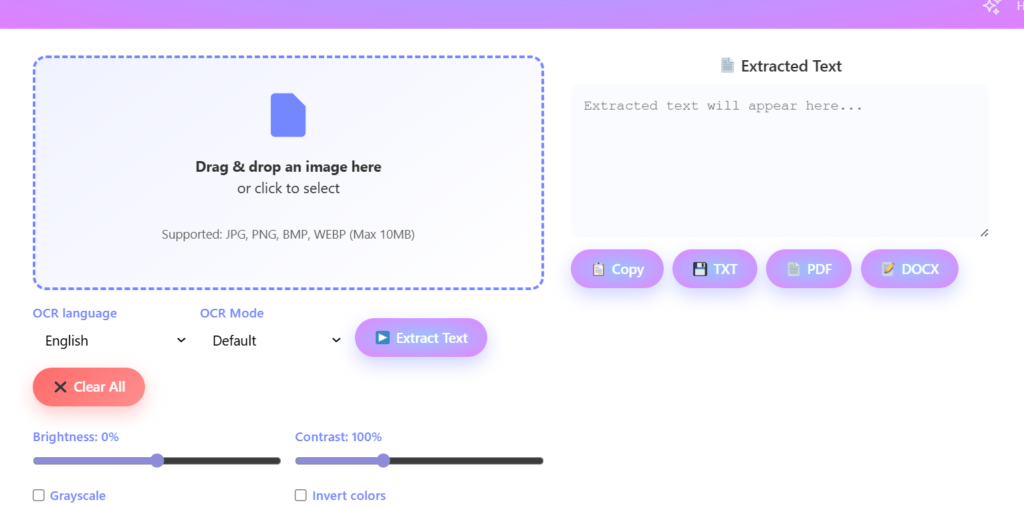
Using the DigiBesti tool is incredibly intuitive. Follow these steps:
- First, upload your image by dragging and dropping it, or simply click the upload box to choose a JPEG, PNG, or WebP file from your device—easy as pie!
- Next, just hit the ‘Convert’ button. The AI will quickly scan your image and pull out the text for you.
- Copy or Save: Once the text appears in the results box, you can copy it to your clipboard with a single click or download it as a text file.
Pro Tips for Better OCR Accuracy
To get the most out of any Free OCR Online tool, follow these quick tips:
- Go for clear, high-quality images whenever you can. Blurry photos make it tough for the AI to do its magic.
- Good Lighting: Ensure there are no heavy shadows or glare on the text when photographing a physical document.
- If possible, keep your text nice and straight. DigiBesti’s AI is smart, but perfectly horizontal text always leads to the best results!
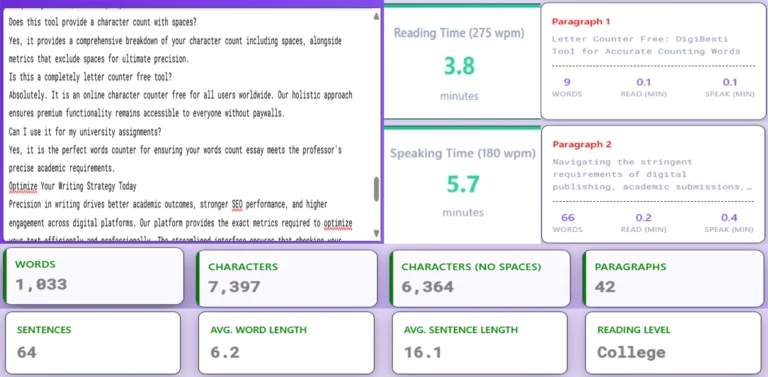
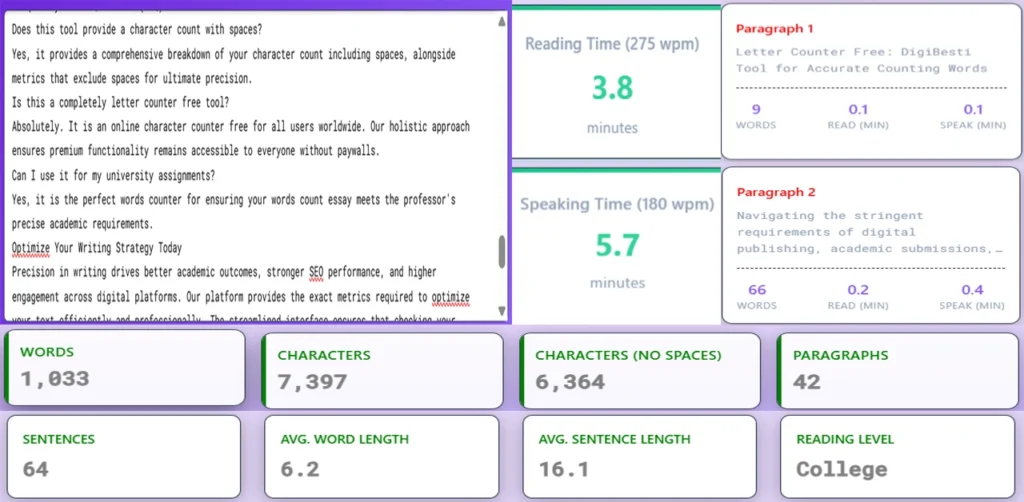
Letter Counter Free – DigiBesti Tool for Accurate Counting Characters.
The DigiBesti letter counter free is their solution. We have...
Read More
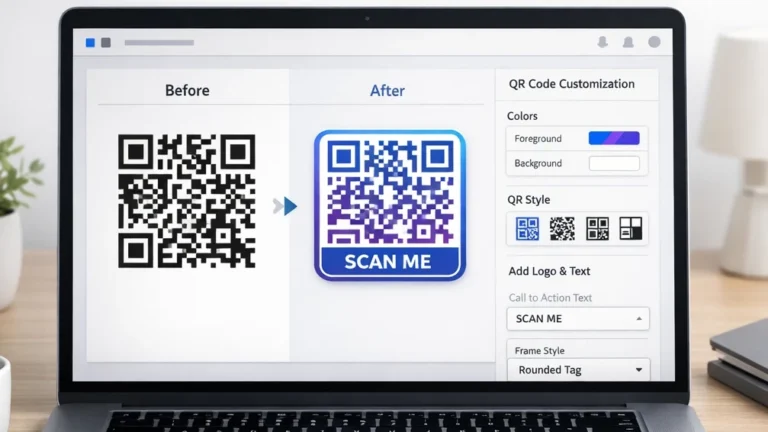
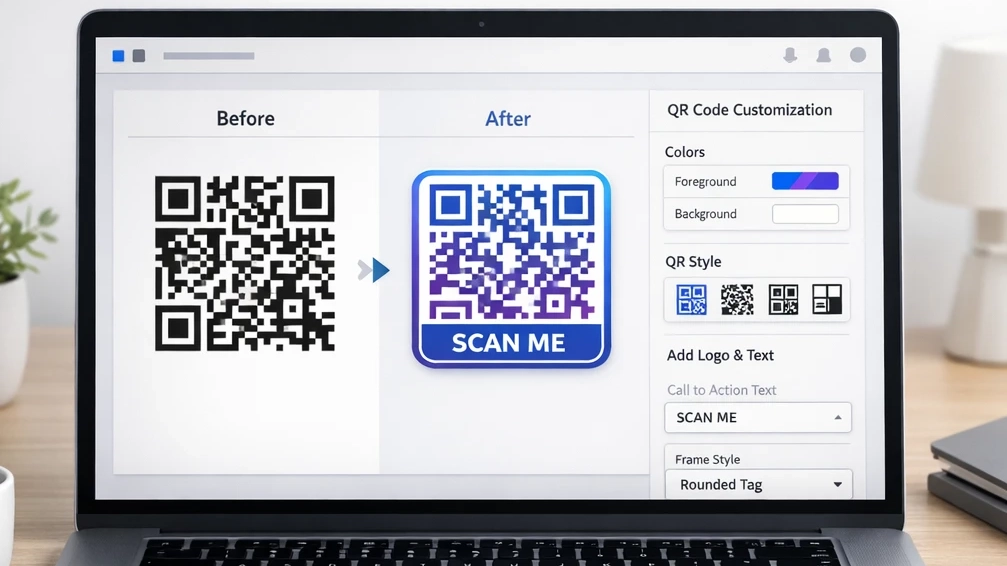
customize qr codes is with Unique Features.
How to customize a QR code, add frames, colors, text,...
Read More
Online QR Code Generator: Free, Secure & Instant with Logo
QR codes are everywhere – from restaurant menus and business...
Read More×