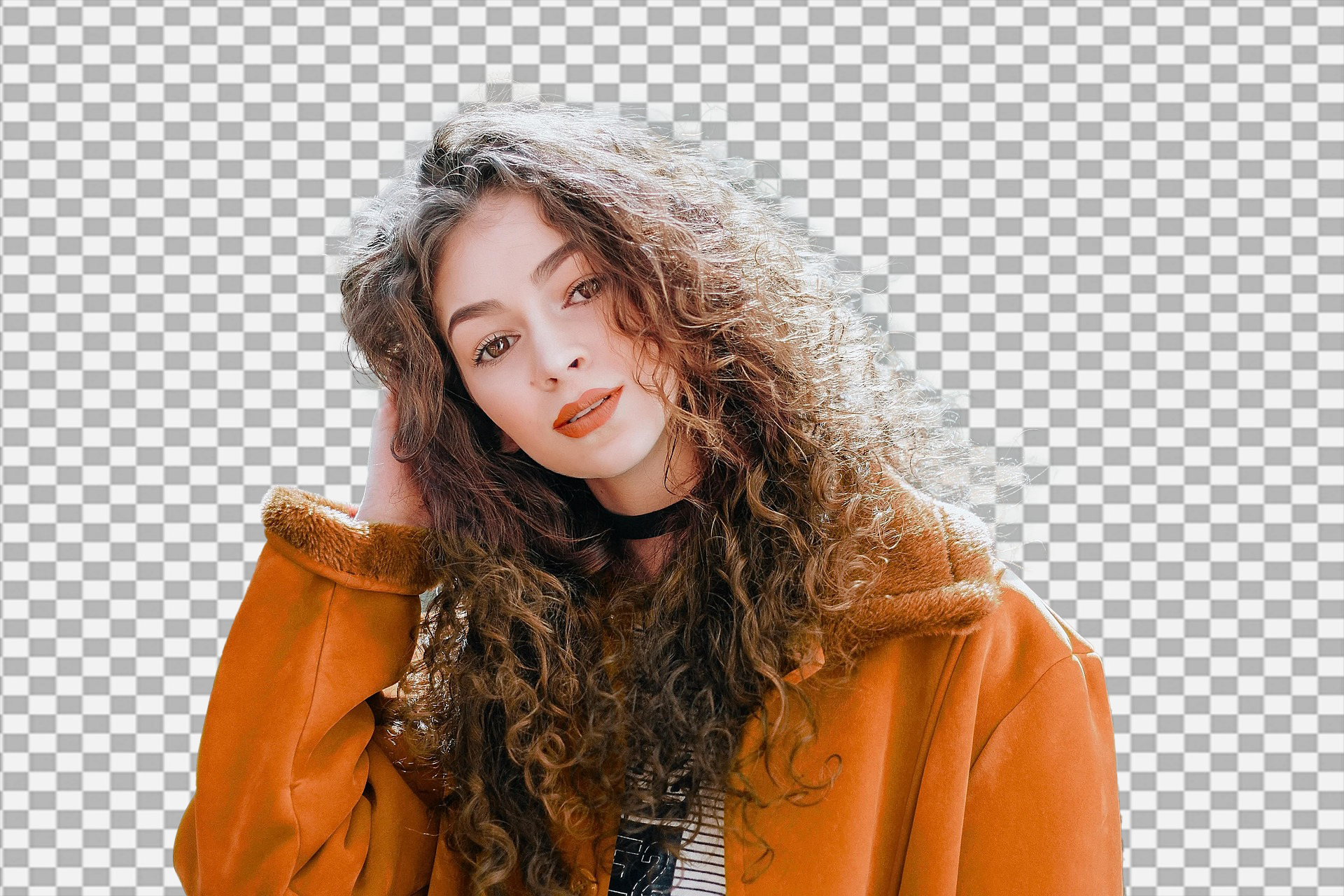
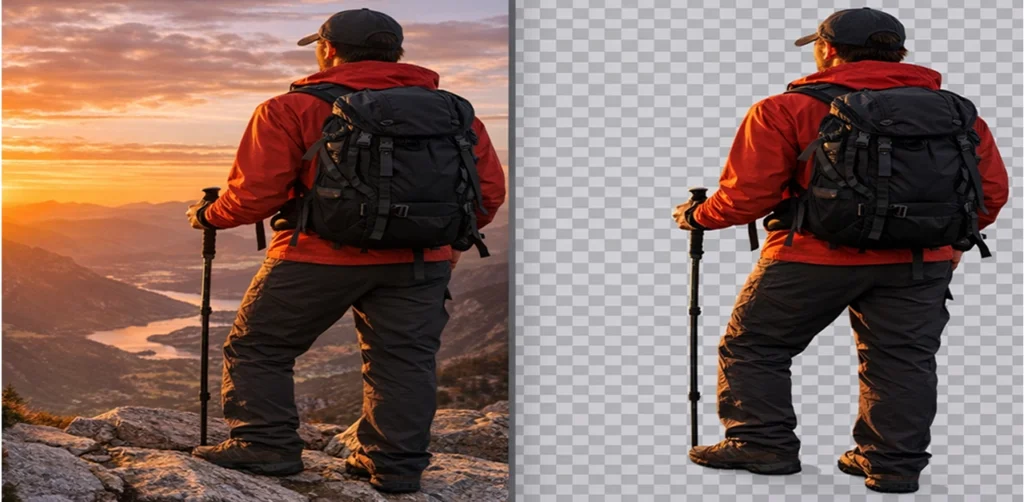
An online image background eraser is a tool or platform designed to remove backgrounds from images. It allows users to isolate subjects, like people or objects, making images cleaner and more focused.
🚀Quick Edits
Speed: The biggest benefit of the wide range of online photo magic erasers out there is that they are extremely fast to use. As a result, with just one click, you can convert an image with a busy background to a blank background without compromising image quality or security. It is especially useful for businesses that process a high volume of images in a short period.
 High Accuracy

AI tools are renowned for their precision. By learning from vast datasets, they can accurately identify and separate subjects from backgrounds, even in complex images where manual editing would be challenging.
Image Types
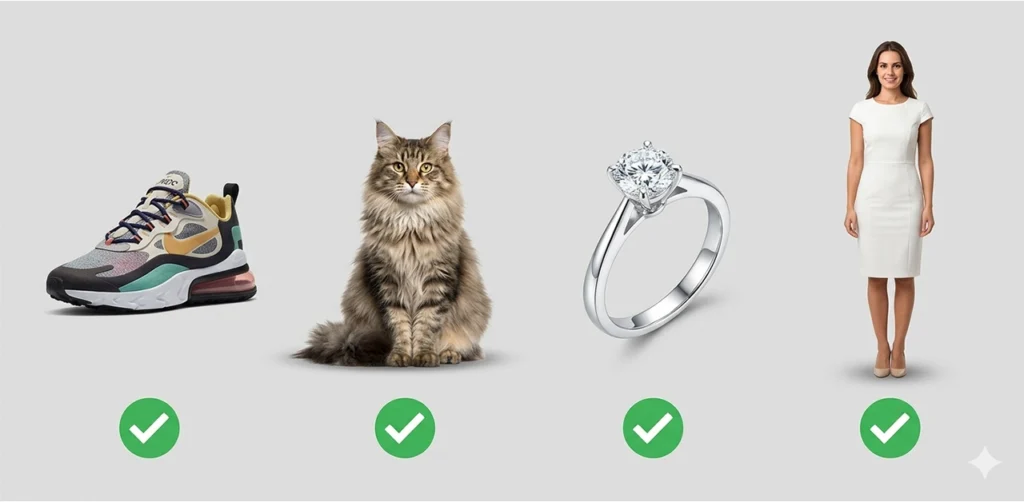
With this amazing free photo background remover, you can remove complex backgrounds from any type of image, such as people, animals, birds, shoes, toys, makeup products, jewelry, and more.
Pro Tips for Best Results💡
✅Choose HD Images:
Select high-resolution pictures to improve work quality and enable the tool to identify and separate the object from complex backgrounds.
✅Importance of Resolution:
Better resolution gives the tool more information to work with, enabling better-quality background removal. This is especially crucial for images with many tiny details.
✅Image Clarity:
Make sure your images are crisp, not blurry. Clear pictures aid in more accurate subject detection, resulting in superior final outcomes.
High Contrast: Images with a big difference in brightness or color between the main object and the background are easier to edit.
✅Enhancing Contrast:
If you can, adjust the contrast before publishing the image. Increased contrast helps the tool distinguish between the foreground and background, so it changes only the pixels of that particular color.
✅Optimal Lighting:
If the original photo is well-lit, it will have higher contrast, making background removal easier. Shadows can be very nice, but make sure they do not start to take up other limbs of your subject.
✅Make Manual Adjustments:
For more intricate detailing, sometimes manual adjustments are required in order to add extra details and a higher quality, clean cutout

 English
 Afrikaans
 Albanian
 Amharic
 Arabic
 Armenian
 Azerbaijani
 Basque
 Belarusian
 Bengali
 Bosnian
 Bulgarian
 Catalan
 Cebuano
 Chichewa
 Chinese (Simplified)
 Chinese (Traditional)
 Corsican
 Croatian
 Czech
Czech Danish
 Dutch
Dutch Esperanto
 Estonian
 Filipino
 Finnish
 French
 Frisian
 Galician
 Georgian
 German
 Greek
Greek Gujarati
 Haitian Creole
 Hausa
Hausa Hawaiian
 Hebrew
 Hindi
Hindi Hmong
Hmong Hungarian
 Icelandic
 Igbo
Igbo Indonesian
 Irish
Irish Italian
 Japanese
 Javanese
 Kannada
 Kazakh
 Khmer
Khmer Korean
 Kurdish (Kurmanji)
 Kyrgyz
 Lao
Lao Latin
Latin Latvian
 Lithuanian
 Luxembourgish
 Macedonian
 Malagasy
 Malay
Malay Malayalam
 Maltese
 Maori
Maori Marathi
 Mongolian
 Myanmar (Burmese)
 Nepali
 Norwegian
 Pashto
 Persian
 Polish
 Portuguese
 Punjabi
 Romanian
 Russian
 Samoan
 Scottish Gaelic
 Serbian
 Sesotho
 Shona
Shona Sindhi
 Sinhala
 Slovak
 Slovenian
 Somali
 Spanish
 Sudanese
 Swahili
 Swedish
 Tajik
Tajik Tamil
Tamil Telugu
 Thai
Thai Turkish
 Ukrainian
 Urdu
Urdu Uzbek
Uzbek Vietnamese
 Welsh
Welsh Xhosa
Xhosa Yiddish
 Yoruba
 Zulu
Zulu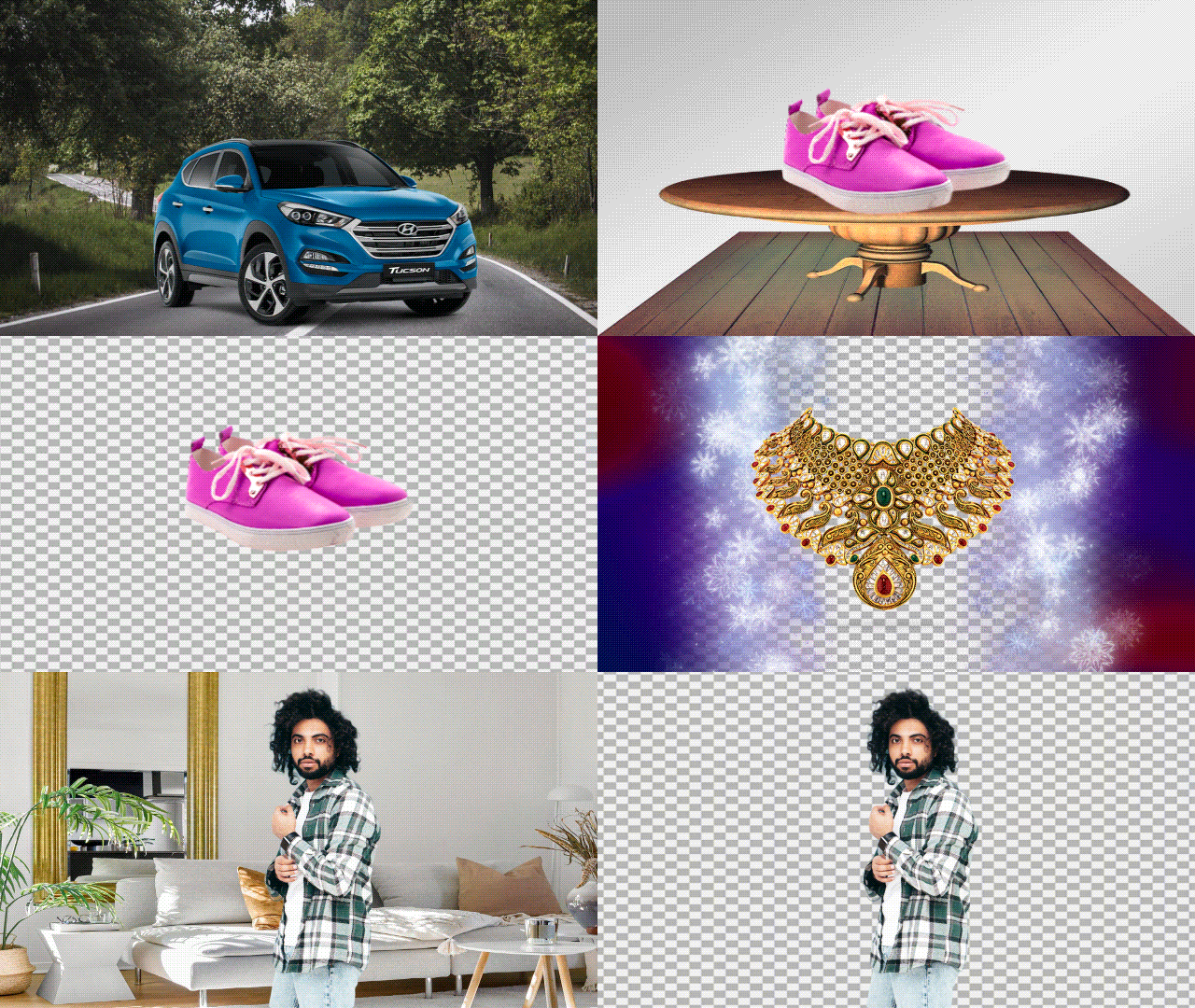







Hello! This is Aasim Shuja, I use this tool, its very easy to use and very nice. I like your Tools💚💜❤️🧡💛🩷