
Strong Password Generator
Create ultra-secure passwords with customizable length and character sets. Keep your online accounts safe from hackers and brute force attacks.
Password Generator
Create strong, secure passwords to keep your accounts safe
Length
16
Character Types
Options
Password Strength
Strong
More Tools
Recent Posts
Best Free Online QR Code Generator
February 22, 2026
Best Free OCR Online
February 13, 2026

Img Optimizer and Editor
September 10, 2025
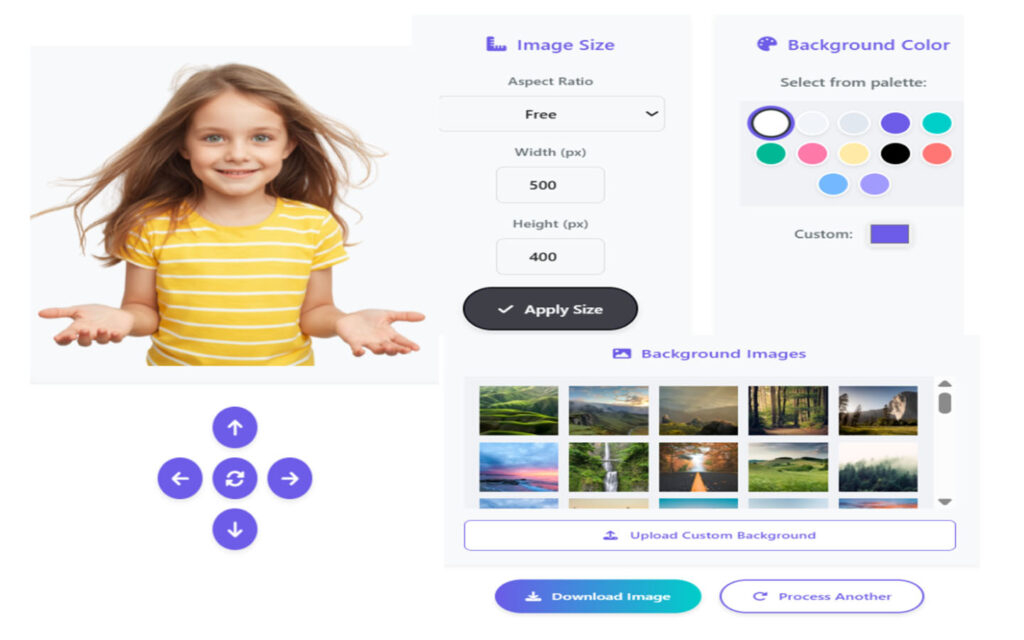
Photo Background Eraser
July 22, 2025
Random Strong Password – Generates Strong Password to secure your online accounts.
🔐 Why Strong Passwords Matter
Easy to guess passwords are one of the greatest hazards in our digital age. Simple passwords are cracked by hackers using automated tools which makes your:
🎭 Social media accounts (Facebook, Instagram, Twitter) compromised
🏛 Financial accounts at risk
Email and cloud storage are at risk of being compromised.
💼 Work & business accounts at risk of cyber attacks
Random Strong Password Generator makes you to produces easily un-hackable passwords in seconds.
How This Password Generator is Keeping You Safe
- Creates Unbreakable Passwords
- Combines upper and lower case letters with numbers and special characters
- Create long and complex password (up to 64 characters)
- Doesn’t follow known sequences (such as “12345” or “password”)
- Prevents Common Hacking Methods
A strong password prevent from cyber-attacks (trying every possible combination).
- Z: Dictionary attacks (using common words) will not be successful
- Phishing & credential stuffing lose meaning
- Customizable Security Options
- To create strong password select length from 8 to 64 characters
- Include/exclude:
- Uppercase Case (A-Z)
- Lowercase letters (a-z)
- Numbers (0-9)
- Symbols (*&^%^%$#@!)
- Don’t use characters that are contain on numbers like (l, 1, I, 0, O)
Easy to Use & Copy
- Generate a new password with one click only
- Copy to clipboard securely
- Always check before you use — Show If The New URL Is Expensive?
How To Use This Tool To Gain Maximum Security
- Step 1: Come up with a Secure Password
- Adjust settings (length, character types)
- Click “Generate Password”
- Step 2: Save It Securely
- 1Password, Bitwarden, or KeePass (if your developer skills are really tight)
- Don’t save passwords in emails, notes, or in browsers
- Step 3: Update Weak Passwords
Replace old passwords on:
- Social Accounts (Facebook, Twitter, Instagram, LinkedIn)
- Email accounts (Gmail, Outlook, Yahoo)
- Banking & shopping sites
- Google DriveDropbox ) Work & cloud storage
- Two-Factor Authentication: Here is Step 4
- With 2FA (SMS, Authenticator apps, or security keys), even the most cliché passwords are more secure
Here are some reminders on how to stay safe online with strong paswords.
- 🔒 No password re-use — Each account should have its own password.
- 🔄 Avoid password reuse —After data breaches especially.
- 🚫 Don’t include personal info — If you pick a name, a birthday, then you’re probably gonna be pretty predictable.
Use this free tool to create and manage unhackable passwords—keep hackers out of your accounts!
🔗 Play with Password Generator →
5
1
vote
Article Rating
Subscribe
Login
Please login to comment
0 Comments
Oldest
Newest
Most Voted
Inline Feedbacks
View all comments
© 2025 DigiBesti. All rights reserved. Made with ❤️ for the web community.
wpDiscuz
×