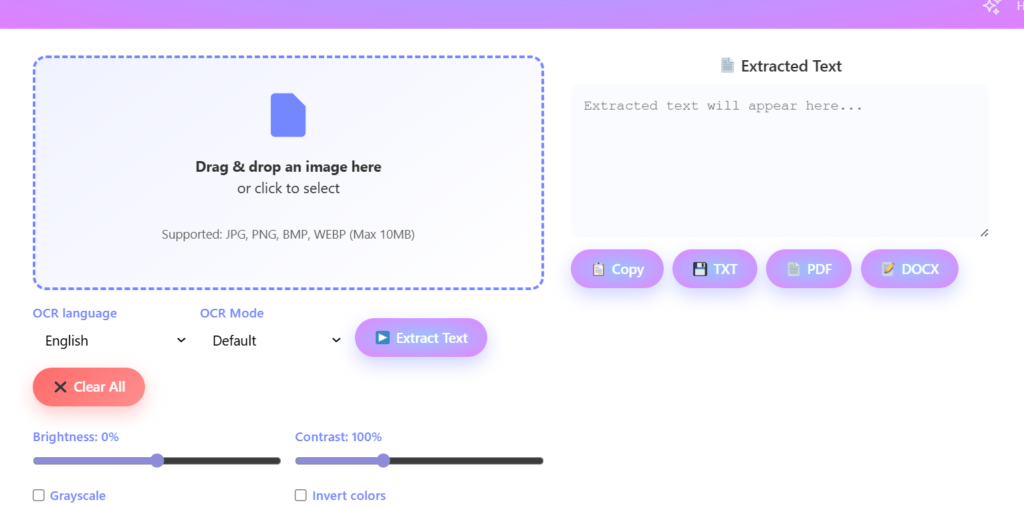
Drag & Drop Your Image Here
or
Your processed image will appear here
Drag the corners or edges of the crop overlay on the image to adjust the crop area.

No quality loss image resizing,compressing and optimization for web & social networks Works in everyplace where JPG, JPEG, PNG, WEBP, BMP are accepted. You can even crop and change the brightness and contract of your image.
No file selected
or
Your processed image will appear here
Drag the corners or edges of the crop overlay on the image to adjust the crop area.
Simple drag & drop selection: Click Or drag to select target image
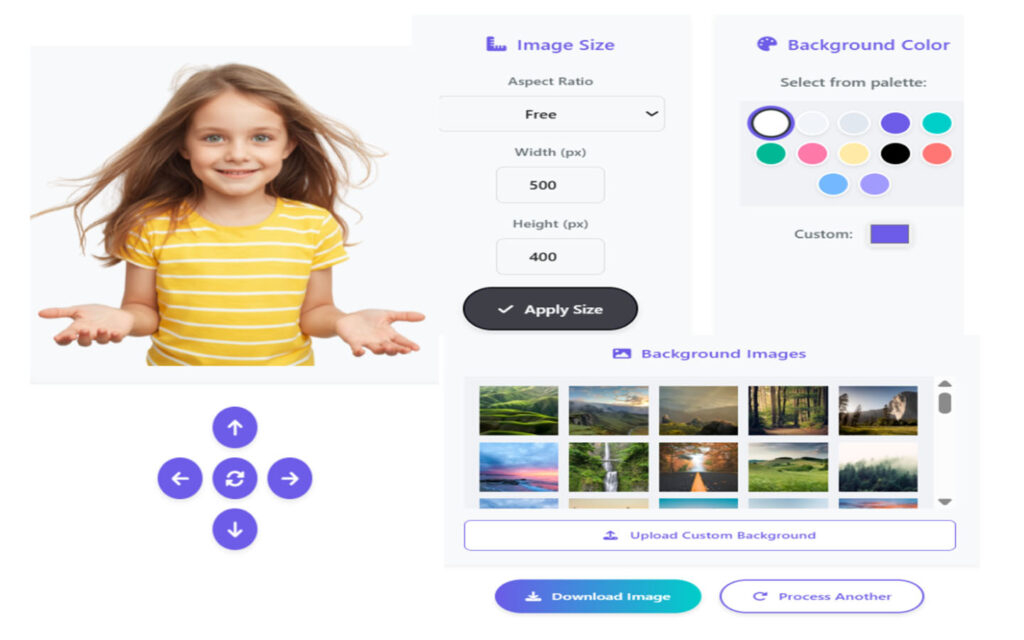
Image Ratio Control: 1×1- 4×3 – 3×2 – 16×9 or set custom
Precision Controls: Fit your border into perfect frame, move & resize crop handles
Enhance or decrease Lightning.
Control the Contrast – Enhance Colors
JPEG –With high and solid picture quality
PNG – Lossless (including transparency)
WEBP – Fidelity with smaller file sizes
GIF – Supports simple animations
BMP –Uncompressed image format
Upload – Download your compressed image in a browser desired format
Edit – Resize, cut and enhance as desired
Save – Download your compressed image in a browser desired format
No Watermarks – Clean, professional requests
Privacy-First – Processing is all done in your browser
Fast & Easy – No heavy software being used
Perfect for Websites & Social Media – Use this website to compress images properly and load faster.
© 2025 DigiBesti. All rights reserved. Made with ❤️ for the web community.
Thanks for providing this tool. It is very easy to use.❤️🩷🧡💛💚💙💜