Home My Tools image background remover Image Optimizer Free OCR...
Read More
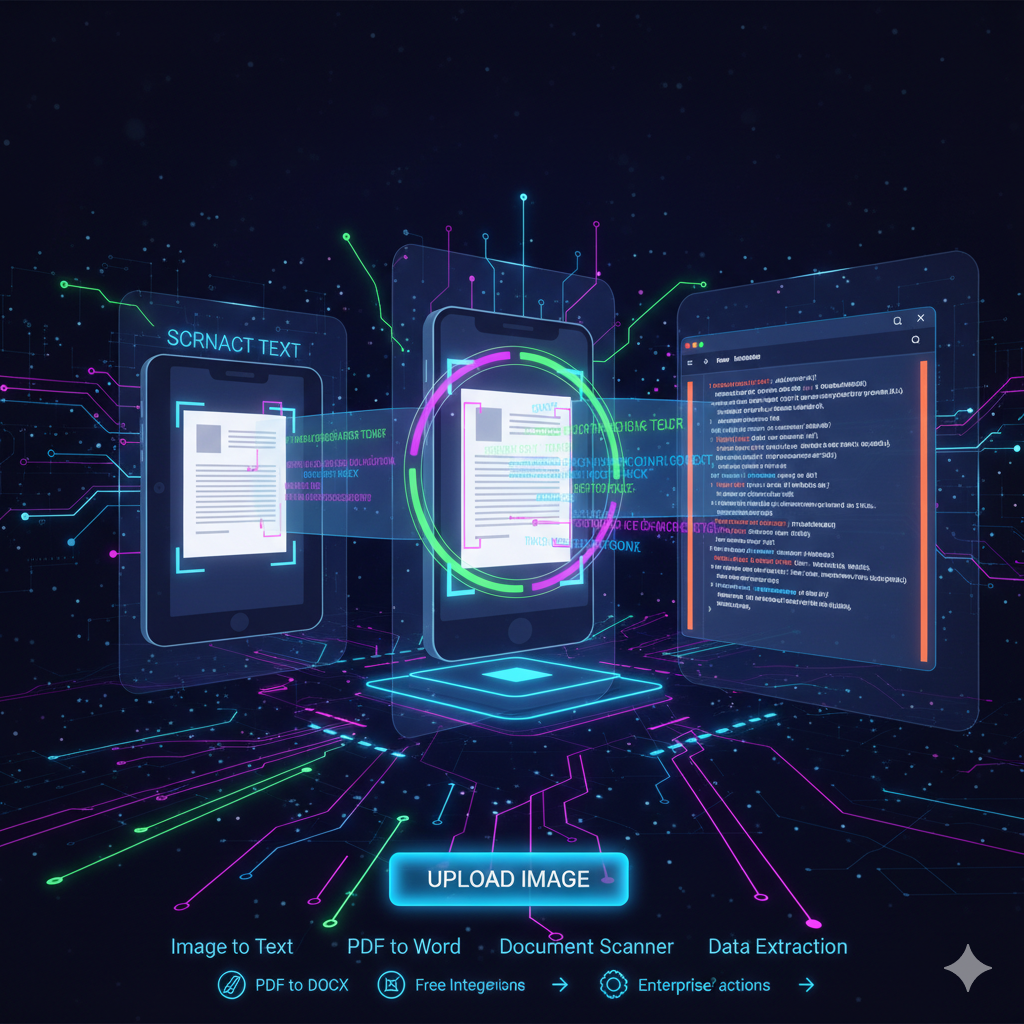
Best Free OCR Online: Convert Image to Text Instantly with DigiBesti
Have you ever found yourself staring at a screenshot or a scanned document, wishing you could just copy the text instead of retyping everything manually? Whether you are a student transcribing lecture notes or a professional digitizing receipts, manual typing is a waste of time.
This is where Optical Character Recognition (OCR) technology comes in.
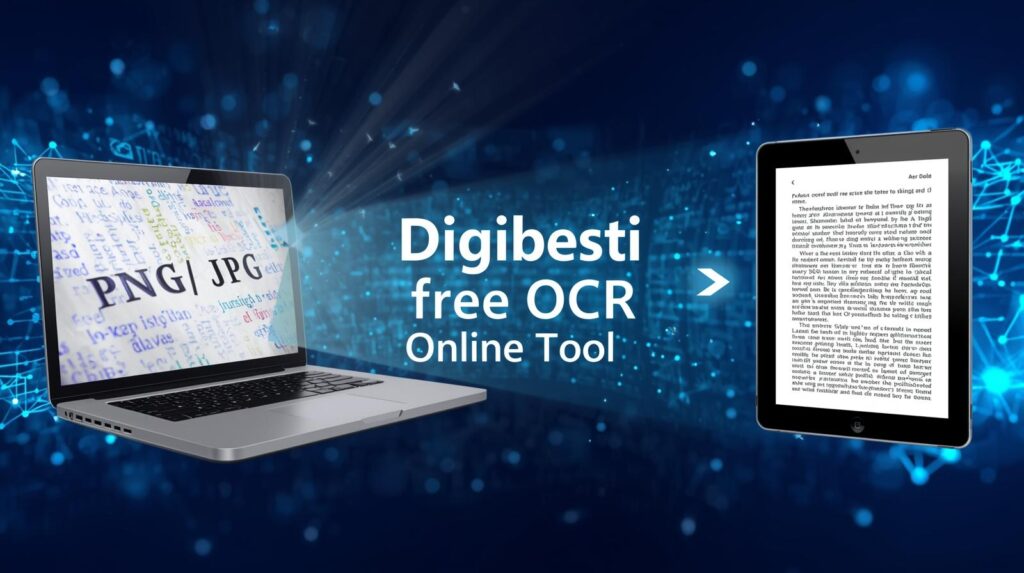
Today, we’re diving into the DigiBesti Free OCR Online tool—a lightning-fast, secure, and completely free solution to turn your images into editable text in seconds.
What is OCR and Why Do You Need It?
OCR (Optical Character Recognition) is a technology that “reads” the text inside an image file and converts it into machine-readable text data.[3][5][6][7] Instead of spending hours typing out a 5-page scanned document, an OCR tool does it for you instantly.
Common Use Cases:
Students: Extract quotes from textbooks or digitized study notes.
Business Owners: Turn physical invoices and receipts into digital records.
Developers: Quickly grab text from UI screenshots or mockups.
Data Entry: Move data from hard copies to Excel or Word without errors.

Why DigiBesti is the Best Free OCR Online Tool
There are many OCR tools on the web, but most are cluttered with ads, require a paid subscription, or force you to create an account. DigiBesti simplifies the process.
1. 100% Free & No Sign-up Required
You don’t need to provide an email address or credit card. Just visit the site, upload your file, and get your text.[2][3][7][8][9]
2. Supports All Major Formats
Whether you have a standard photo or a modern web image, DigiBesti handles it all:
3. Privacy First & Secure
Security is a major concern when uploading documents. DigiBesti processes your images “on-the-fly.”Your data is never stored on a server, and your images are deleted immediately after the conversion is complete.
4. Lightning Fast AI Processing
Powered by optimized AI, the tool delivers results in milliseconds. You won’t be stuck staring at a “Loading…” bar.
How to Convert Image to Text in 3 Simple Steps
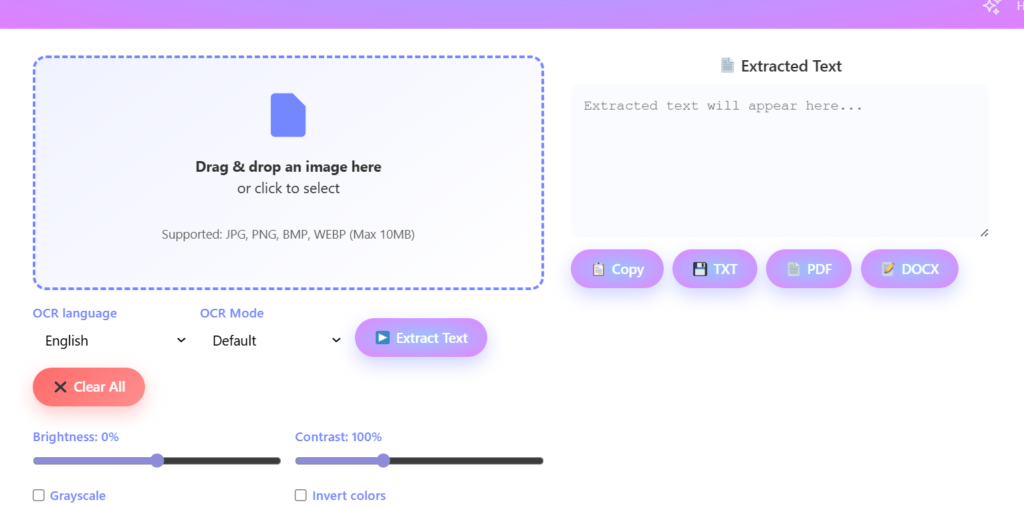
Using the DigiBesti tool is incredibly intuitive. Follow these steps:
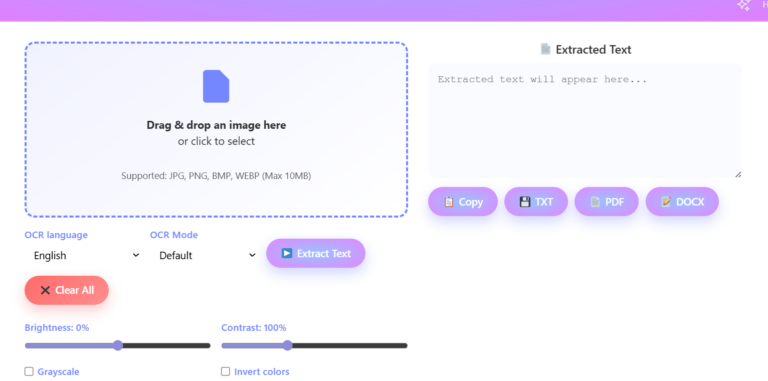
Upload Your Image: Drag and drop your file or click the upload box to select a JPEG, PNG, or WebP file from your device.
Click Convert: Hit the “Convert” button. The AI will instantly scan the image for characters.
Copy or Save: Once the text appears in the result box, you can copy it to your clipboard with one click or download it as a text file.
Pro Tips for Better OCR Accuracy
To get the most out of any Free OCR Online tool, follow these quick tips:
High Resolution: Use clear, high-quality images. Blurry photos are harder for AI to read.
Good Lighting: Ensure there are no heavy shadows or glares on the text if you are taking a photo of a physical paper.
Straight Alignment: Try to keep the text horizontal. While the DigiBesti AI is smart, straight text always yields 100% accuracy.
Img Optimizer and Editor
Home My Tools image background remover Image Optimizer Free OCR...
Read More
×